Custom Maximo content, built to hand over
What an engagement produces at course and programme level, and a working example of it running in three languages.
What we hand over — course level
- Content creation. Interactive modules, simulations, videos and user guides, built against your configuration.
- Technical review. A second pair of eyes on courseware your team has written, before it reaches a client.
- Custom student exercises. Hands-on tasks and lab scripts written against your data, processes and screens.
- Knowledge checks. Assessments written by a contributor to every IBM Maximo certification exam to date.
- Localisation. Voiceover and on-screen text translated in place, right-to-left layouts included.
- Version control. The source build is edited once when the configuration changes; language versions follow.
- Screen-capture walkthroughs. Narrated recordings of your configured system, for tasks quicker shown than written.
- Job aids. One-page references for the tasks users do daily, for after the training ends.
- Training data setup. A populated practice environment, so exercises have realistic assets and work orders.
- Accessibility. Captions, keyboard navigation and colour contrast checked against your standard.
What we hand over — programme level
- Custom tailored styles. A house style for slides, modules and exercises, built to the client’s branding.
- Robust delivery framework. Design guardrails and review processes.
- Curriculum and role mapping. Training Needs Analysis (TNA), objective setting and Action Mapping for specific user roles.
- Train-the-trainer. Getting your own trainers to the point where they deliver the material without us.
- Handover documentation. Source files, build notes and templates, so your team can maintain and extend it.
- Multi-language rollout plan. Which languages, in what order, and what each pass costs against the source build.
A working example — AI voice and content translation
One interactive module. Three languages. One build. One Storyline module for a Maximo end-user audience, authored in English and delivered in French and Arabic from the same source. In each language the voiceover and the on-screen text are both translated — no narration re-recorded, no slide rebuilt. The translation and narration are produced using AI content authoring tooling, which is what makes a seventy-language reach affordable on a single build. When deployed to your LMS, the user can switch between languages during playback.
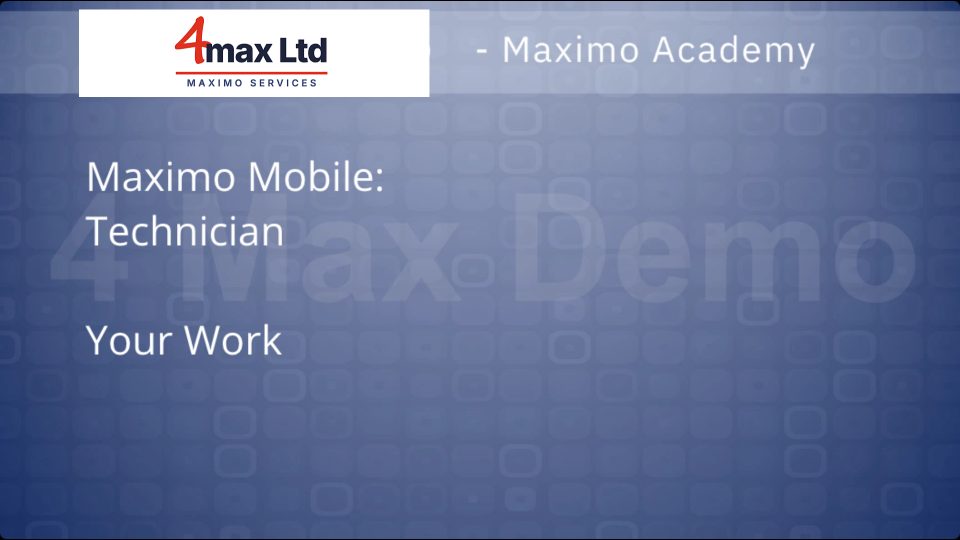
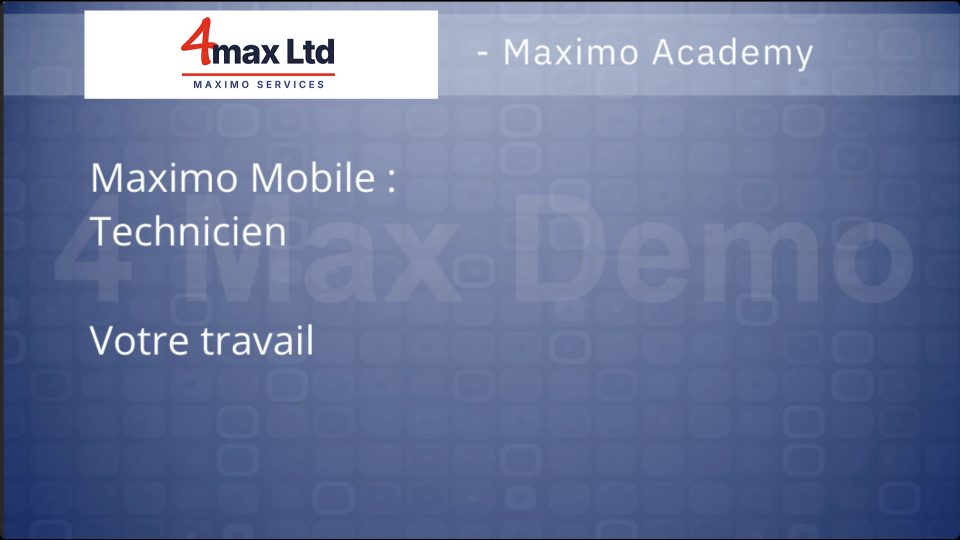
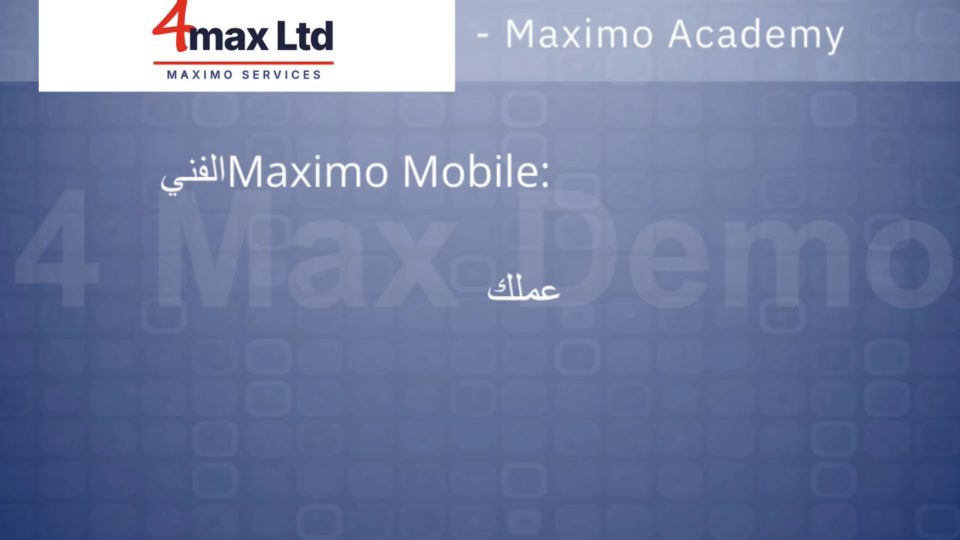
The same slide, three languages
Layout, timing and interactions stay identical. Slide text is translated in place, and the Arabic build flips to a right-to-left interface.
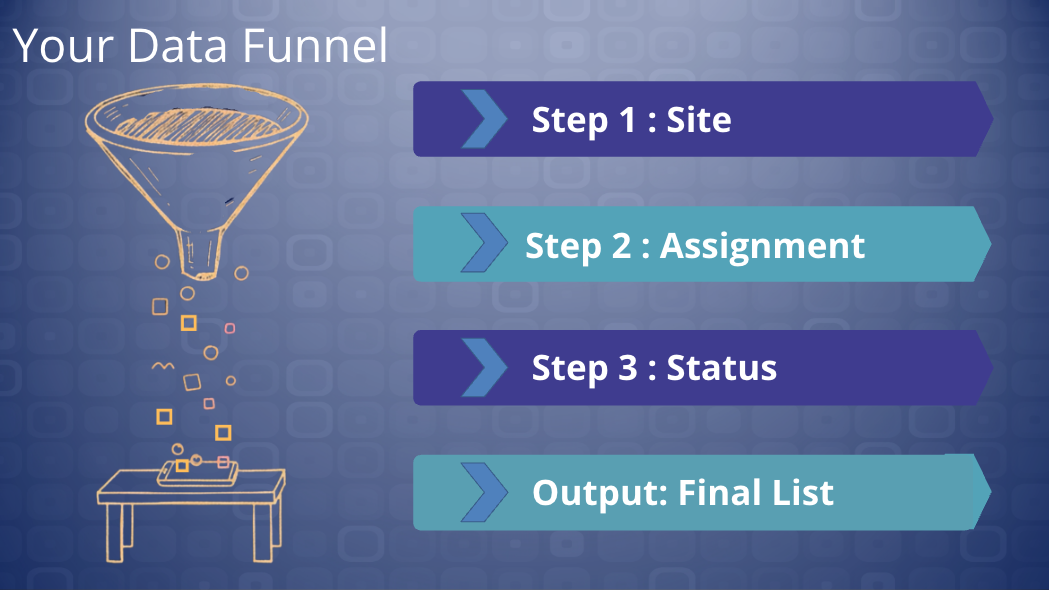
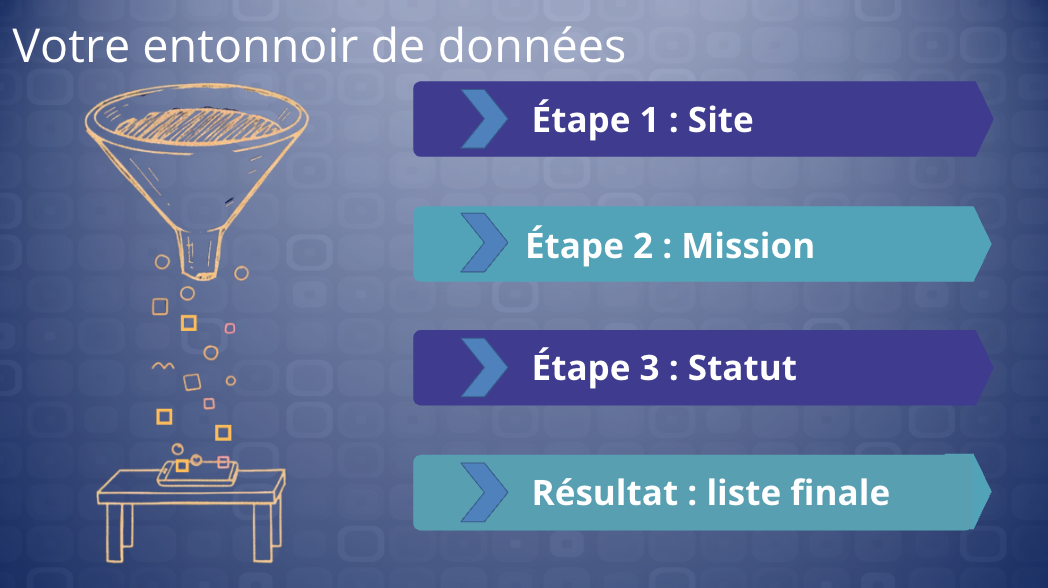
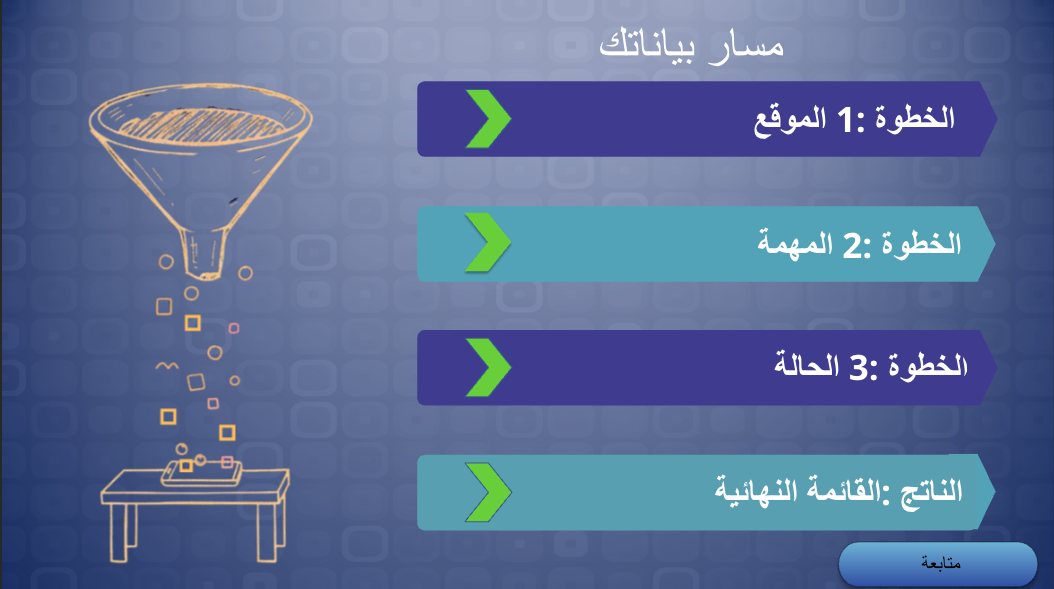
Over 70 languages including: English · Spanish · French · German · Chinese · Arabic · Portuguese — and even American!
One build, every region. The English version is authored once. Each additional language is a translation pass over that build, not a new project.
Interactions survive translation. Guided practice, knowledge checks and branching all carry across, including into right-to-left layouts.
Updates stay cheap. When the configuration changes, the source build is edited and the language versions follow, rather than each one being reworked by hand.
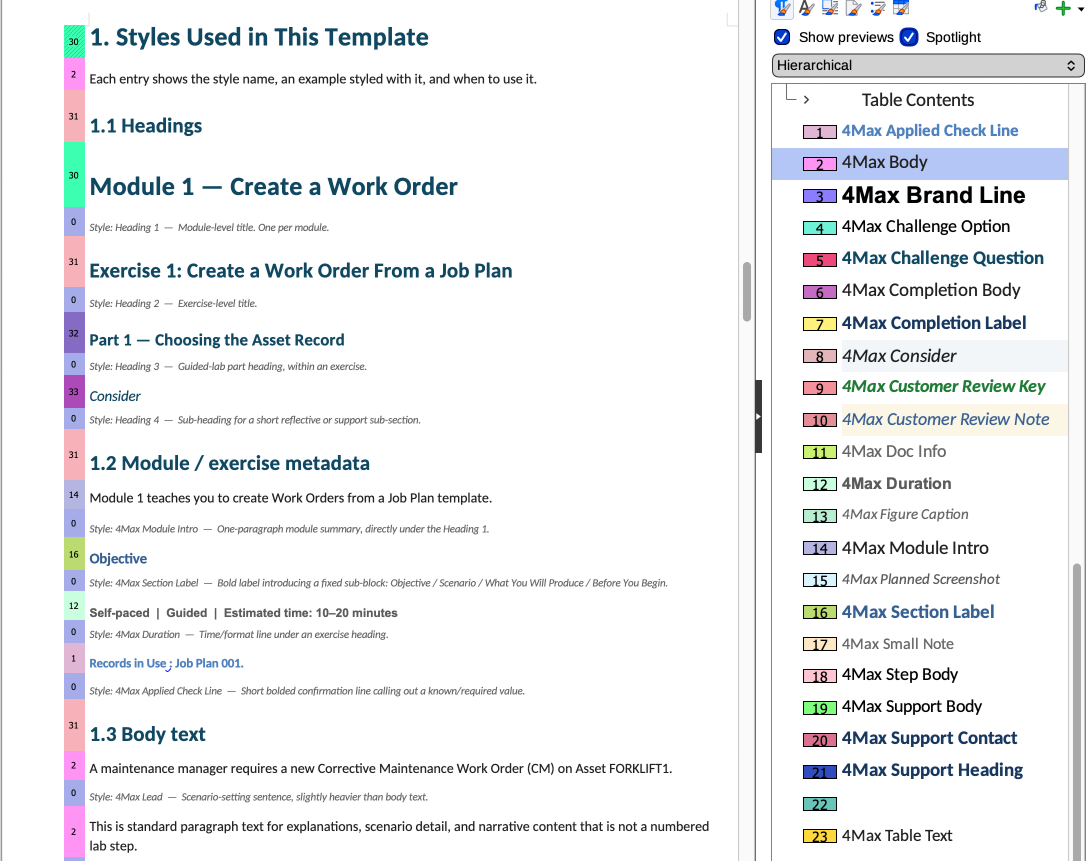
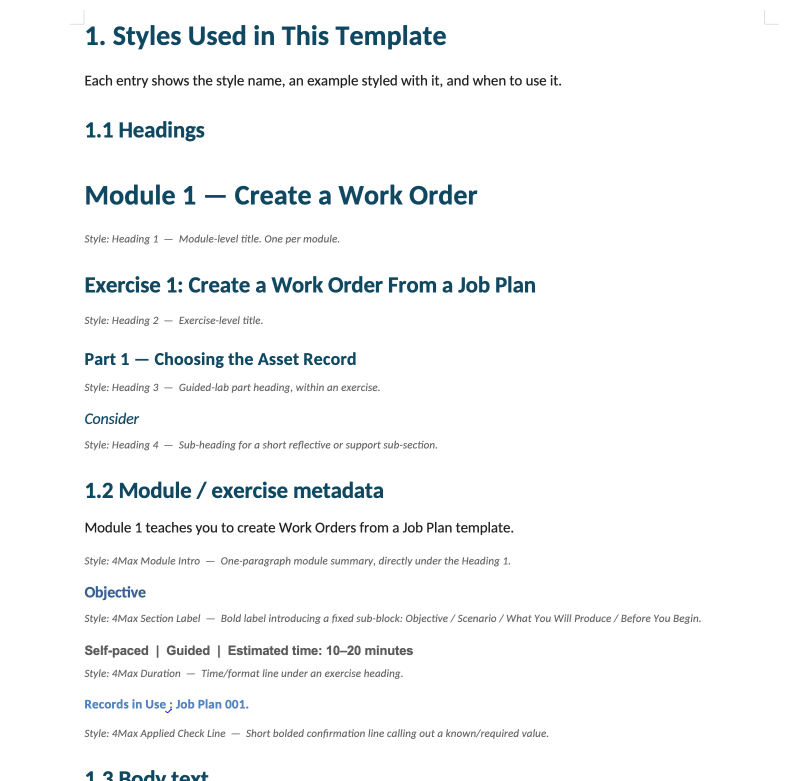
Lab guide style template
Every engagement gets its own style template, built to the client’s branding — their colours, typefaces, logo placement and imagery, applied consistently across slides, modules and lab guides. Exercises are then written into that template, so numbering, screenshots, callouts and answer keys sit in the same place in every guide, and your team writes new exercises into the same template afterwards.
Want this for your Maximo rollout?
Tell me the audience, the configuration and the languages, and I’ll come back with a shape for the build. See how engagements work.